How to film a padel match with your phone
Updated 23 October 2026
Put the phone behind one back wall, as high as you can get it, in the middle of the court. Film in landscape at 30 frames per second or more, with the whole court and the far back wall in the picture. Then leave it alone until the last point.
That is the whole recipe. The rest of this guide explains why each part matters, which settings to pick, and the mistakes that turn a match recording into something nobody wants to rewatch.
Where to put the camera
A padel court is 20 metres long and 10 metres wide, closed by glass back walls 3 metres high with about a metre of mesh above them. The best spot for one camera is behind the middle of a back wall, up on the mesh, looking down the length of the court.
- Behind, not beside. From the side, the near half of the court fills the picture and the far half is a strip. From behind, you see both pairs move as pairs, which is what padel is about.
- High, not at eye level. At eye level through the glass you film the backs of the two near players, plus reflections. Up on the mesh you look over them and the glass stops reflecting into the lens.
- In the middle. A camera in a corner cuts off the far side wall on one side, and the ball disappears behind the near players more often.
- Fixed. Clamp the phone to the mesh or a tripod pole. A handheld recording shakes, drifts and misses the point you most wanted to see.
Phone settings
| Setting | Pick | Why |
|---|---|---|
| Orientation | Landscape | The court is wider than it is tall from behind. Portrait loses the side walls. |
| Frame rate | 30 fps at least, 60 fps if the phone allows | 60 fps makes slow motion smoother and gives twice as many frames to step through at the moment of contact. |
| Resolution | 1080p | Enough to see the ball and the players. 4K quadruples the file size for little gain. |
| Lens | The widest that fits the whole court, without digital zoom | Every part of the court has to be in the picture. Digital zoom only crops. |
| Focus and exposure | Locked | On most phones, press and hold on the court until it says the lock is on. Otherwise a player walking past the lens changes the brightness of the whole match. |
| Format | High efficiency (HEVC) where offered | Roughly half the size of the "most compatible" format, so a long match fits in less space. |
| Notifications | Do not disturb on | A call can stop the recording. |
Before you press record
- Battery at 100 %, or a power bank plugged in. Ninety minutes of video drains most phones.
- Free space for the whole match. At 1080p and 30 fps, an hour takes a few gigabytes; check your phone's own figure in its camera settings.
- The far back wall and both side walls are in the picture, top to bottom, with a little margin.
- In summer sun on an outdoor court, shade the phone. A hot phone stops recording on its own.
- Start before the warm-up ends and stop after the last point. Trimming later is easy; a missing first game is not.
The mistakes that spoil a recording
- Filming from the bench at the net. You get one side of the court, side-on, and half of every rally happens out of frame.
- Low behind the glass. Reflections, dirty glass and the near players' backs cover the view.
- Moving the phone during the match. Every move changes what is in the picture. If you must move it, do it between sets and put it back exactly.
- Portrait mode. Fine for a clip of a single shot, wrong for a match.
- Letting the phone decide the brightness. Without the lock, the picture pumps darker and brighter as players pass.
Rewatching it in Padelapu
Any recording of 30 frames per second or more opens in Padelapu's free video player, up to 10 GB and 3 hours per file. There you can zoom into a player, slow a rally to a quarter speed, step frame by frame and loop a moment.
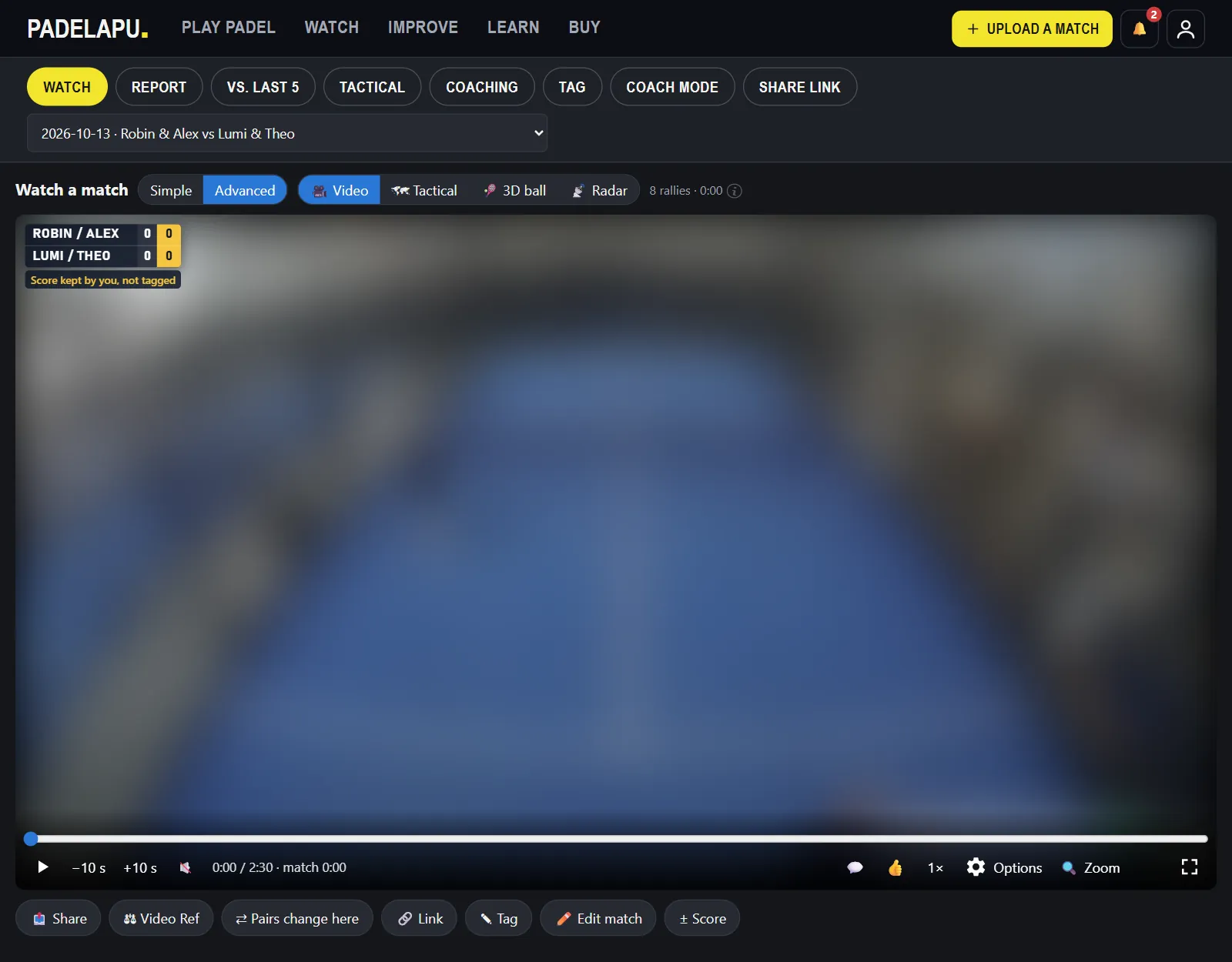
Padelapu Pro goes further and analyses the whole match from the video. For that the recording needs the whole court visible for the whole match, both back walls included, filmed from above and behind by a fixed camera. Many clubs have fixed court cameras that film this way; if yours lets you download the recording, that file works.
Questions
Can I film from the side of the court?
For rewatching, yes. You will see one pair well and the other badly. For Padelapu Pro's automatic analysis, no: it needs the view from behind.
Is 30 fps enough?
Yes. Padelapu takes 30 fps and up. With 60 fps a quarter-speed replay looks smoother and you have twice as many frames around each contact.
Do I need a special camera?
No. A phone from the last few years, a clamp for the fence and a power bank are enough.
Got a recording?
Create a free Padelapu account and rewatch it with zoom, slow motion, frame steps and loops. No card needed.